Sizing artwork for large prints
Artwork that looks perfect on a screen can turn soft or blocky when it is printed several metres wide. Understanding resolution, viewing distance and file types helps you supply artwork that stays sharp on banners, billboards, wallpaper and canvas.
Viewing distance changes everything
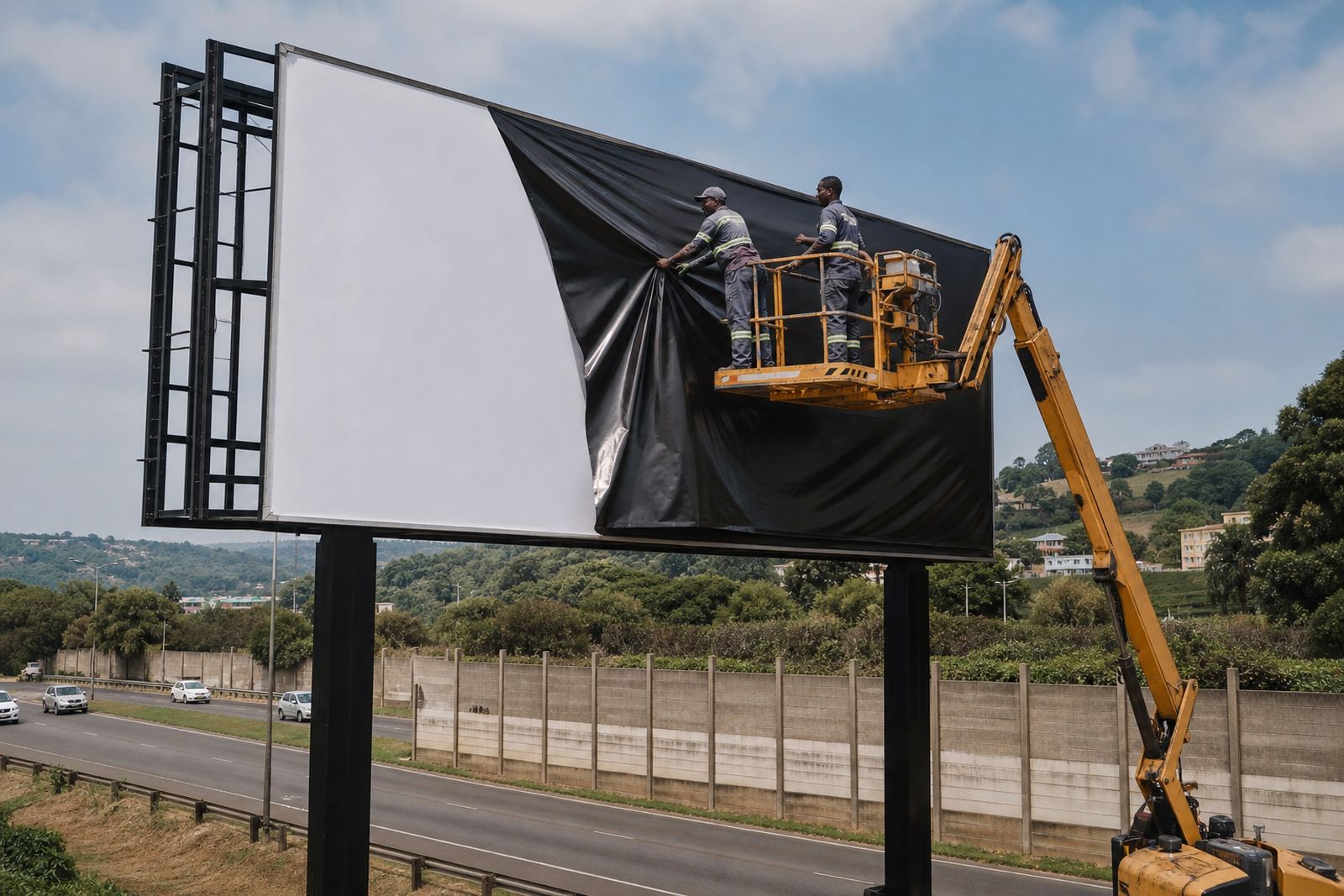
Large prints are seen from further away than a brochure or business card. A billboard is read from across a road, a banner from across a car park, and a wallpaper mural from across a room. The further away people stand, the less fine detail they can see.
That is why large prints can work at lower resolution than small prints. A billboard viewed from 30 metres needs far less detail per centimetre than a canvas hung at eye level in a lounge.
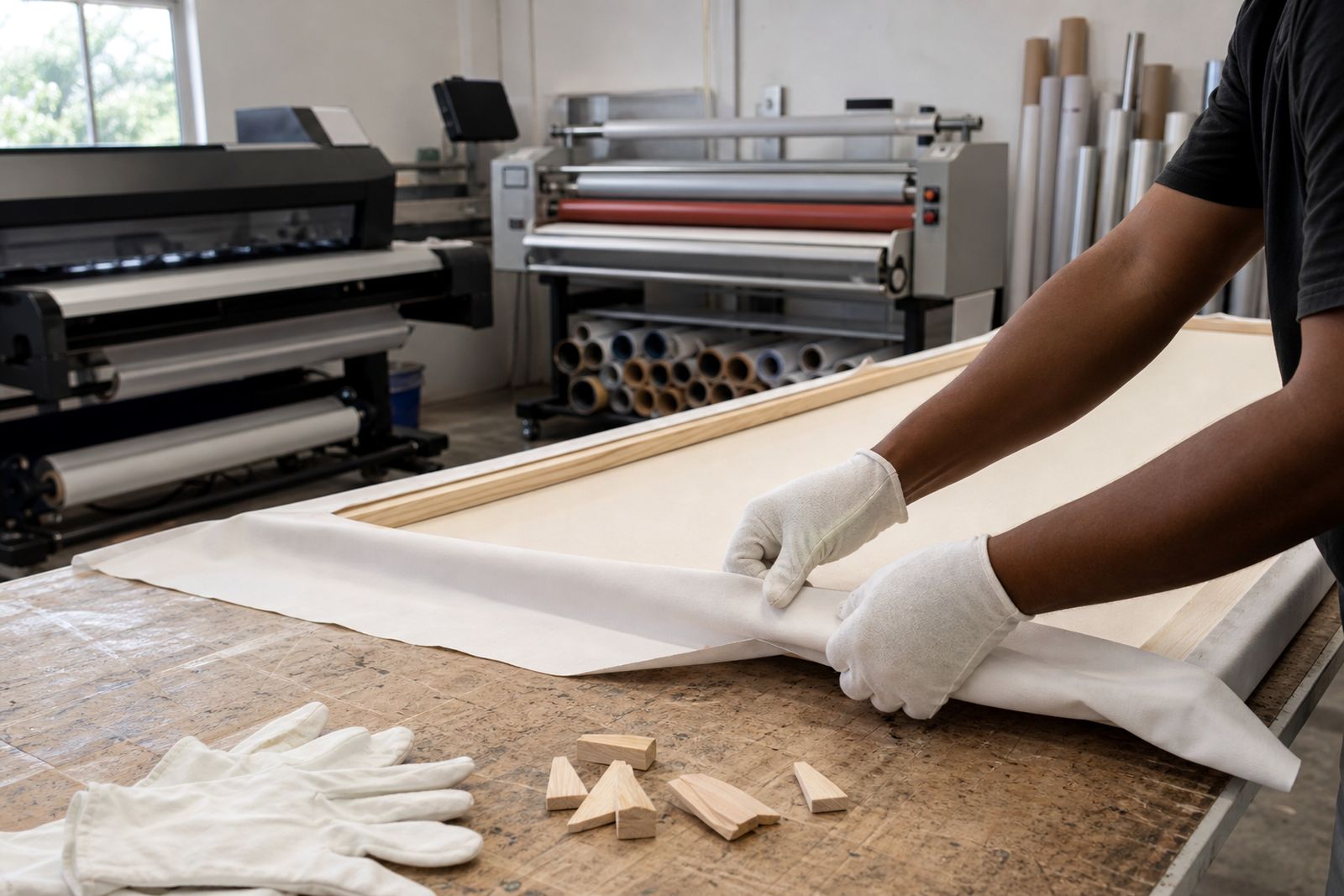
- Canvas and wall art: viewed close, needs the most detail
- Wallpaper and wall vinyl: viewed from a few metres
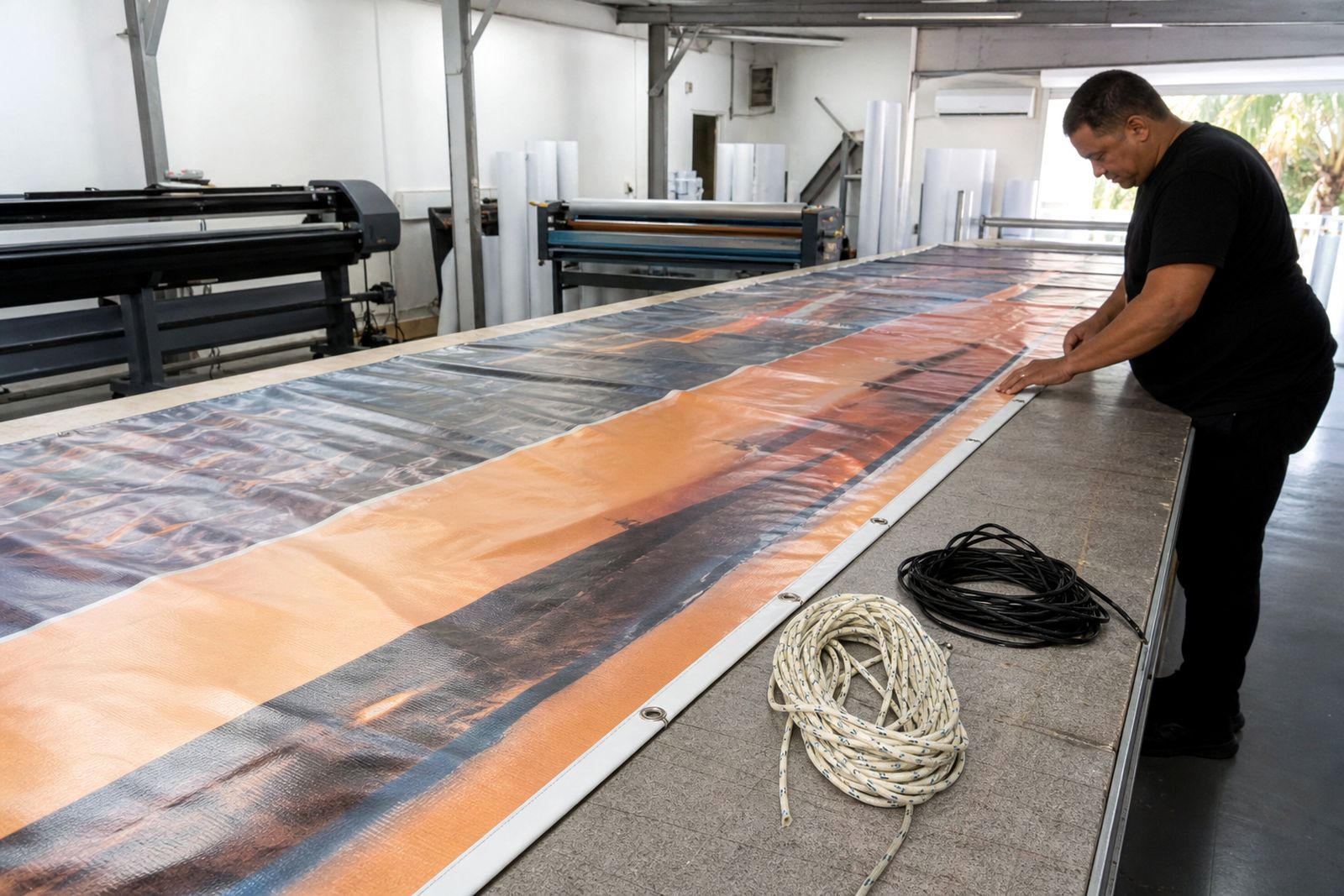
- Banners and signs: viewed from across a street or car park
- Billboards: viewed from a long distance
Resolution in plain terms
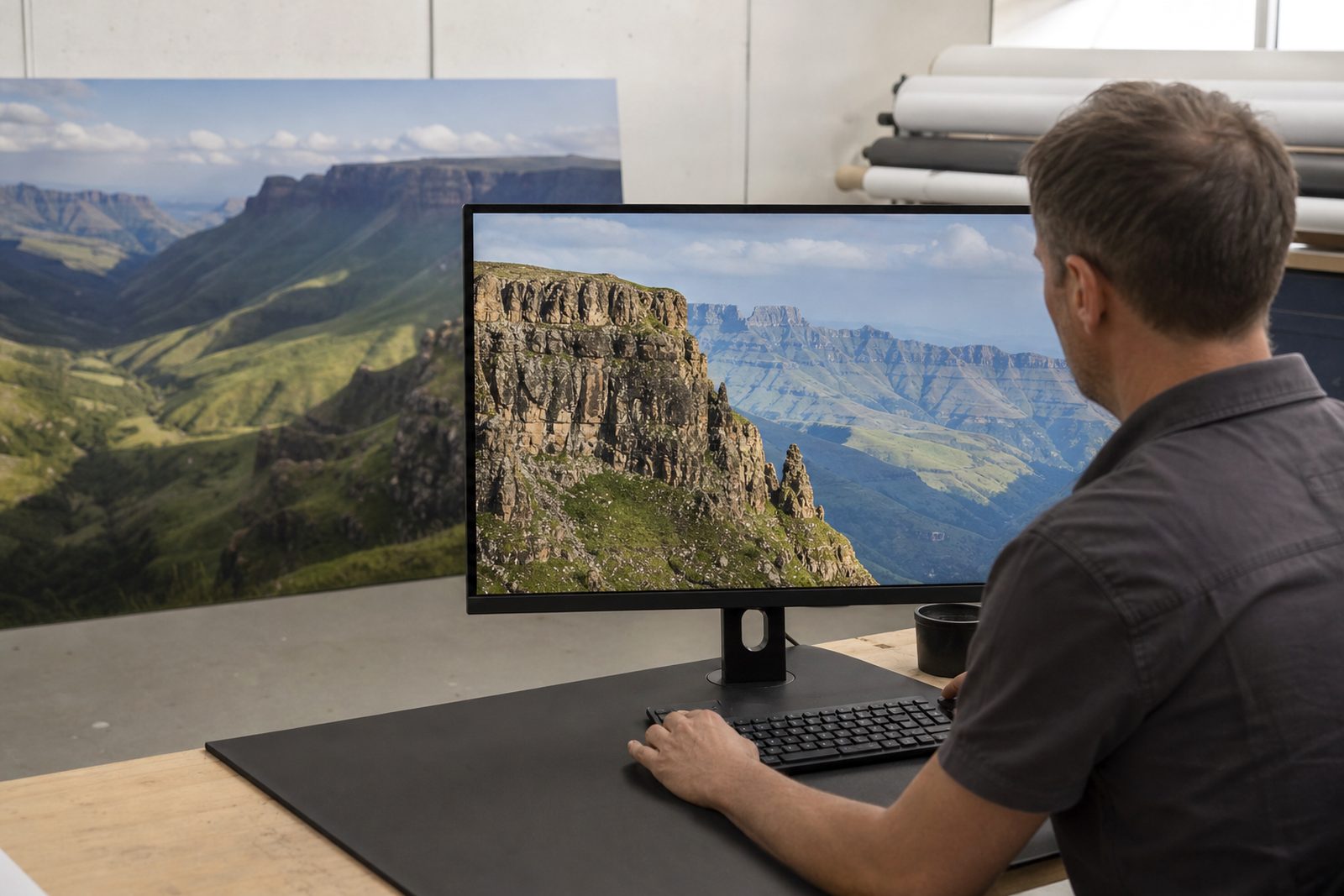
Resolution describes how much image detail there is for each part of the print. Photos are made of pixels. When a small photo is stretched across a large area, each pixel becomes bigger, and the image looks soft or blocky.
The simplest check is to look at the pixel dimensions of the image. A photo from a modern camera or phone, sent as the original file, usually has enough detail for prints of a metre or more. A picture saved from social media or a messaging app has often been shrunk and may only suit smaller sizes.
Vector and photo files
Logos, lettering and simple shapes are best supplied as vector files, such as PDF, AI, EPS or SVG. Vector artwork is built from shapes rather than pixels, so it stays sharp at any size, from a sticker to a billboard.
Photographs are always pixel images. Supply them as the largest original file available, usually JPG or TIFF, without extra compression. Avoid screenshots, which capture only screen resolution.
- Logos and text: vector PDF, AI, EPS or SVG
- Photos: largest original JPG or TIFF
- Avoid screenshots and images saved from social media
Proportions and cropping
Check that the shape of your artwork matches the shape of the print. A wide banner and a tall pull-up banner need different layouts, and a photo that suits one may need heavy cropping for the other.
For wallpaper and murals, measure the wall and allow for doors, windows and switches. Keep important parts of the image, such as faces or text, away from areas that will be cut out or hidden behind furniture.
Colour and text on large prints
Bright screen colours can look different on vinyl, banner material or canvas. Supplying artwork in CMYK, or noting brand colour references, helps keep colours closer to what you expect.
Text needs to be large enough to read from the expected viewing distance. A good rule is to keep wording short and use bold, simple fonts on anything that will be read from across a street.
Checking files before printing
If you are unsure whether an image will hold up, mention the final print size in your enquiry along with the file details. We'll reply with how to send the files, then advise whether they will print well or whether a larger original or a vector version is needed.
Sending the right file at the start avoids delays and disappointing results once the print is up.
What our Printing and Signage customers say
Verified Google reviews
Questions we get asked
Can I use a photo from my phone for a large print?
Often, yes, if you send the original full-size file and the photo is sharp and well lit. Images sent through messaging apps are usually compressed.
Why should logos be vector files?
Vector files are built from shapes rather than pixels, so they stay sharp at any size, from a small sticker to a billboard.
How large can my image be printed?
It depends on the pixel dimensions and how far away people will stand. Mention the final size and the file type in your enquiry, and we'll reply with how to send the file for a check.
Also worth a look
Ask for a quote
Use the contact form to tell us what you want printed, where it will be used and whether fitting is needed, and Galloping Naartjie will reply with a quote.
Open the contact form